Track through movement
Stable face IDs and an adjustable tracking hold keep the effect attached as people move or briefly turn away.
 Automatic Face Obscure for OBS · OBS video filter
An OBS video filter that detects and tracks faces and hides them with pixelation or blur.
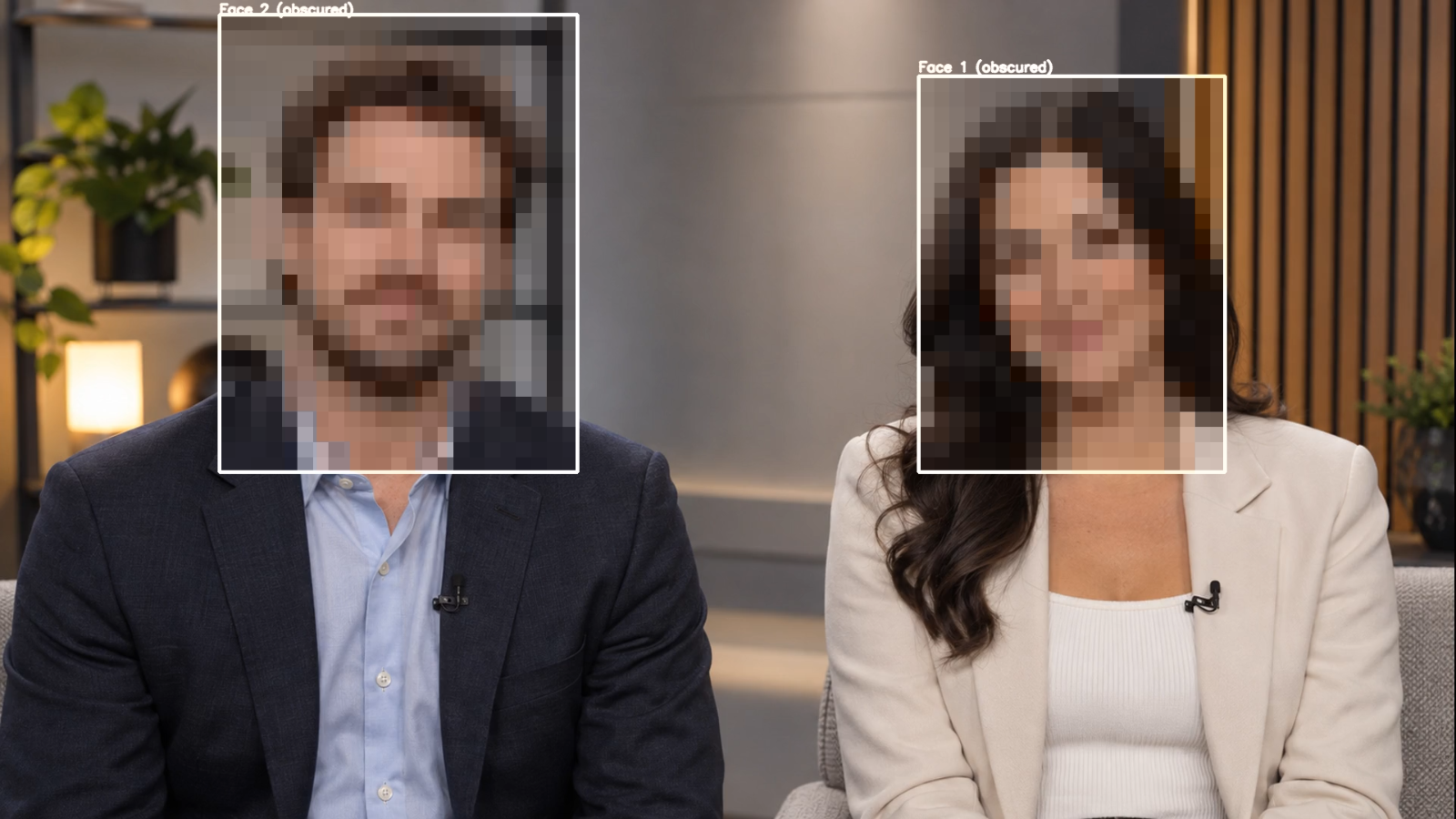
Stable face IDs and an adjustable tracking hold keep the effect attached as people move or briefly turn away.
Use block pixelation or adjustable multi-pass blur, with padding to cover more of the area around each face.
Hide every detected face, only selected face IDs, or everyone except the IDs you choose.
Run the bundled YuNet detector on the CPU, or use SCRFD‑500M through DirectML on a compatible NVIDIA, AMD or Intel GPU. If GPU inference fails, the filter falls back to CPU detection.
Video Capture Device and Media Source. Scene, Browser Source, Game Capture and Display Capture are not supported in this version.
Crowd mode raises detection resolution and lowers the confidence threshold to find smaller faces, at a higher processing cost. An extra mirrored detection pass helps with faces seen from the side. Optional diagnostic boxes show tracking IDs while you configure the filter.
Download the compiled Windows x64 plugin package. Extract the included folder into C:\ProgramData\obs-studio\plugins\obs-auto-face-obscure, restart OBS, then add Automatic Face Obscure for OBS under Effect Filters.
Important: Face detection can miss people because of occlusion, lighting, pose or distance. Monitor the programme output when privacy is critical. The bundled SCRFD‑500M weights are licensed by their owner for non-commercial research use; remove or replace them before commercial use or distribution. The package includes the applicable model and runtime notices.