Join and control calls
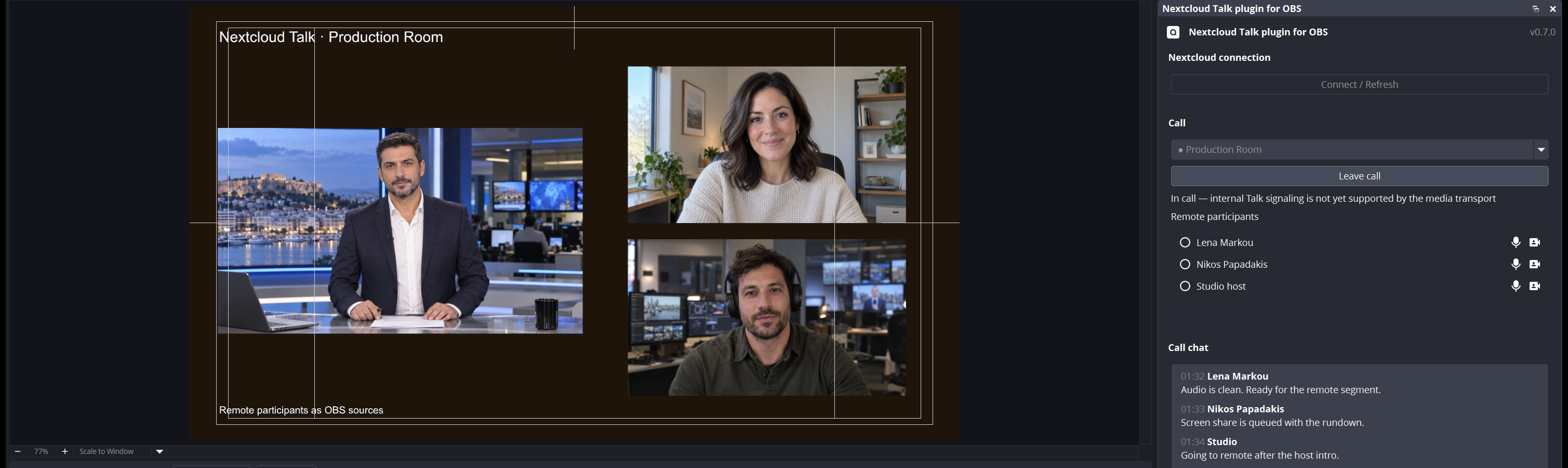
Browse conversations, start or join a call, monitor participants and exchange chat messages from the native dock.
 Nextcloud Talk · Native OBS plugin
Join Talk calls from OBS, send a camera, a scene or the program output into the call, and add remote participants as OBS sources.

Browse conversations, start or join a call, monitor participants and exchange chat messages from the native dock.
Add participant video, audio or screen sharing to scenes. Sources stay attached when a contributor briefly disconnects.
Send a camera and microphone, a named scene, OBS Preview or OBS Program back to the Talk call.
The plugin uses Talk signaling, WebRTC media and Talk-compatible encoded-frame encryption. App passwords are stored in Windows Credential Manager or the Linux system keyring and are never written to the settings file.
Read security notesFlatpak: install the extension bundle with flatpak install --user.
Linux: extract the x86_64 archive under /usr/local.
Windows: close OBS Studio and extract the x64 archive into the OBS Studio installation directory. Restart OBS after installation.