Stream duration
Elapsed stream time.
 Overtime for OBS · Production utility
Put stream, recording and media timers on OBS projector windows for the crew — without baking them into the programme output.
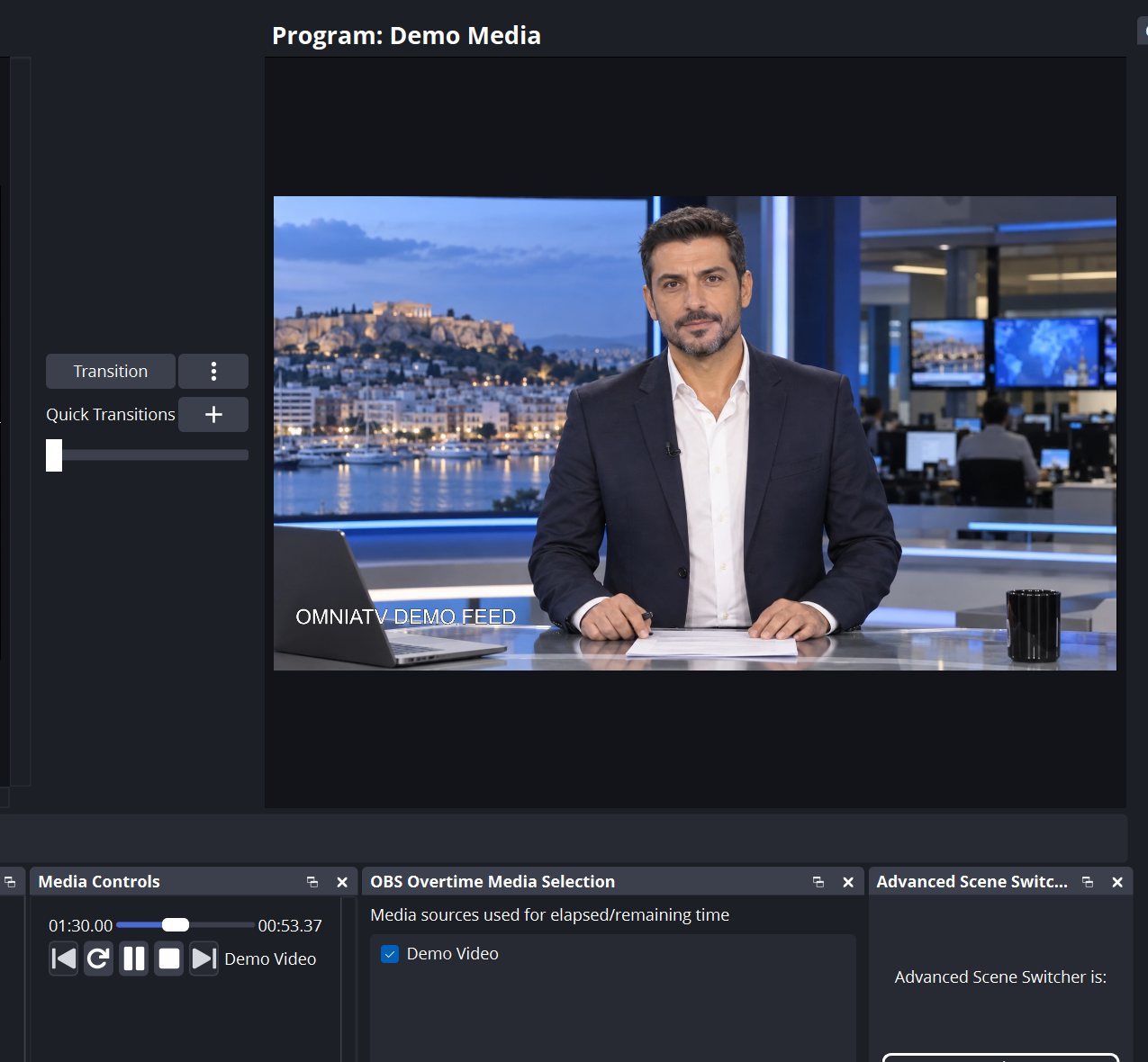
Elapsed stream time.
Recording time, independent of the stream.
Elapsed and remaining time of the active media source.
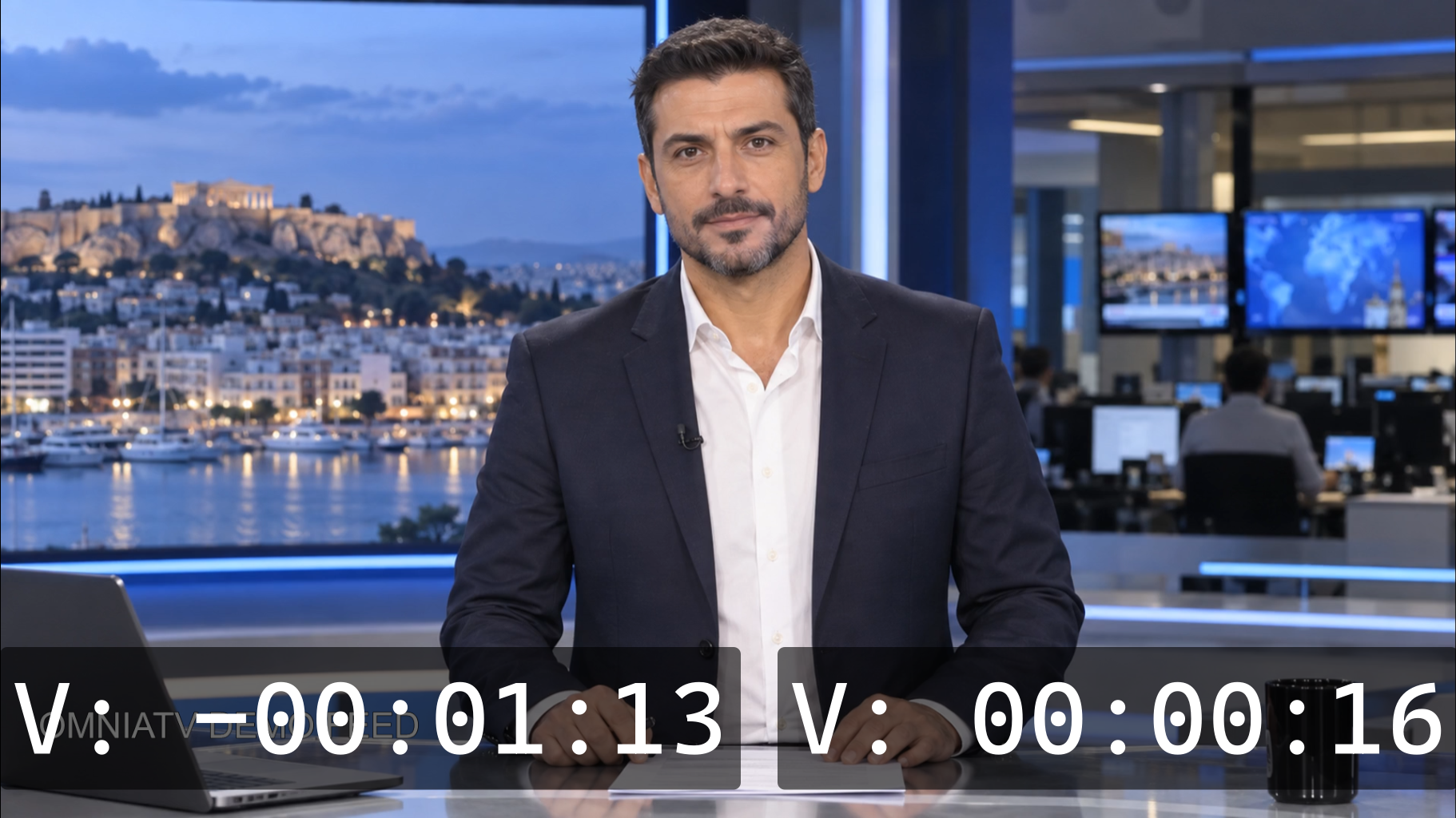
Warnings appear when media is about to end and at recurring intervals for stream and recording. Use a projector window as a confidence monitor; each timer can be positioned separately.
Timers appear on the OBS projector screen while the programme output stays clean for recording, streaming and distribution.
Download the Windows x64 plugin package for OBS Studio 31 or newer.